Call Tracker
See what makes your phone ring.
Every call tied back to the campaign, keyword, and ad that drove it. Call recording, SMS, and real time reporting included.
Unlimited users. No contracts.
Call Tracking for Google Local Services Ads: What Works and What Does Not
The first thing most people try with Local Services Ads is the thing that does not work: putting a tracking number in the ad. You cannot, because Google is already doing it. Understanding that changes how you measure LSA, and it is the difference between a reporting setup that works and one that quietly double-counts.
Quick answer: the number in a Local Services Ad is a Google forwarding number that Google rotates dynamically, and Google records those calls itself. You cannot replace it with your own tracking number. To get LSA calls into the same reporting as your other channels, you point the ad’s destination at a tracking number instead, which means talking to Google’s LSA team rather than doing it in the dashboard.
Google Already Runs Dynamic Number Insertion on Your LSA Ads
This is the part that surprises people. From Google’s own Local Services documentation, the number shown in the ad is “a Google forwarding number,” and it is “a dynamic number, meaning it will change often as different people search on Google and click and interact with [the] ad.”
That is dynamic number insertion, run by Google, on Google’s numbers. It exists so Google can count the leads it charges you for. Which means:
- You cannot choose the number in the ad. There is no field for it, because the number is Google's attribution mechanism, not your branding.
- The number changes between searchers. Anyone trying to match a number to a campaign the way they would on their own website is working against a system that is already rotating.
- Google is the source of truth for LSA lead counts. That is also the number your invoice is based on.
What Google Gives You Natively
Before adding anything, know what you already have. Per Google’s documentation, in the US and Canada “all inbound calls from customers via the Google forwarding number are recorded by Google,” and you can listen to phone lead recordings from your lead inbox, US only. Recordings are not available in the healthcare and tax specialist verticals.
So for LSA alone, Google already provides the lead, the call, and the recording. If that is the only channel you run, you may not need anything else.
The Problem Starts When LSA Is Not Your Only Channel
Almost nobody runs LSA alone. A typical contractor is running LSA, Google Ads, a Google Business Profile, and organic search at the same time, and the phone rings for all four.
Google’s LSA dashboard reports on LSA. It does not know about the call that came from your Business Profile or the one from an organic search. So you end up with:
- Two systems, two definitions. Google counts LSA leads its way. Your call tracking counts everything else its way. Neither total is your real call volume.
- No cost per call across channels. You can see LSA cost per lead in Google's dashboard and nothing comparable for the rest, so you cannot say which channel is actually cheapest.
- Recordings in two places. LSA recordings in the lead inbox, everything else wherever your call tracking lives.
- Nothing for the trades Google will not record. If you are in an excluded vertical, LSA gives you no recording at all.
The Setup That Actually Works
You do not put a tracking number in the ad. You put it behind the ad.
Google’s forwarding number has to forward somewhere, and that destination is your business number in the LSA account. If that destination is a tracking number instead of your main line, every LSA call passes through your call tracking on the way to your phone, and lands in the same report as every other channel.
Calls end up forwarding twice, from Google’s number to your tracking number to your real phone. In practice that is how it has to work, since Google’s number is not negotiable.
One practical catch worth knowing before you start: the LSA dashboard has no self-serve field for changing your business number, so advertisers report having to contact Google’s Local Services support team to change it. That is community reported rather than something Google documents, so treat it as the likely path and confirm with support rather than assuming.
What you get once it is in place:
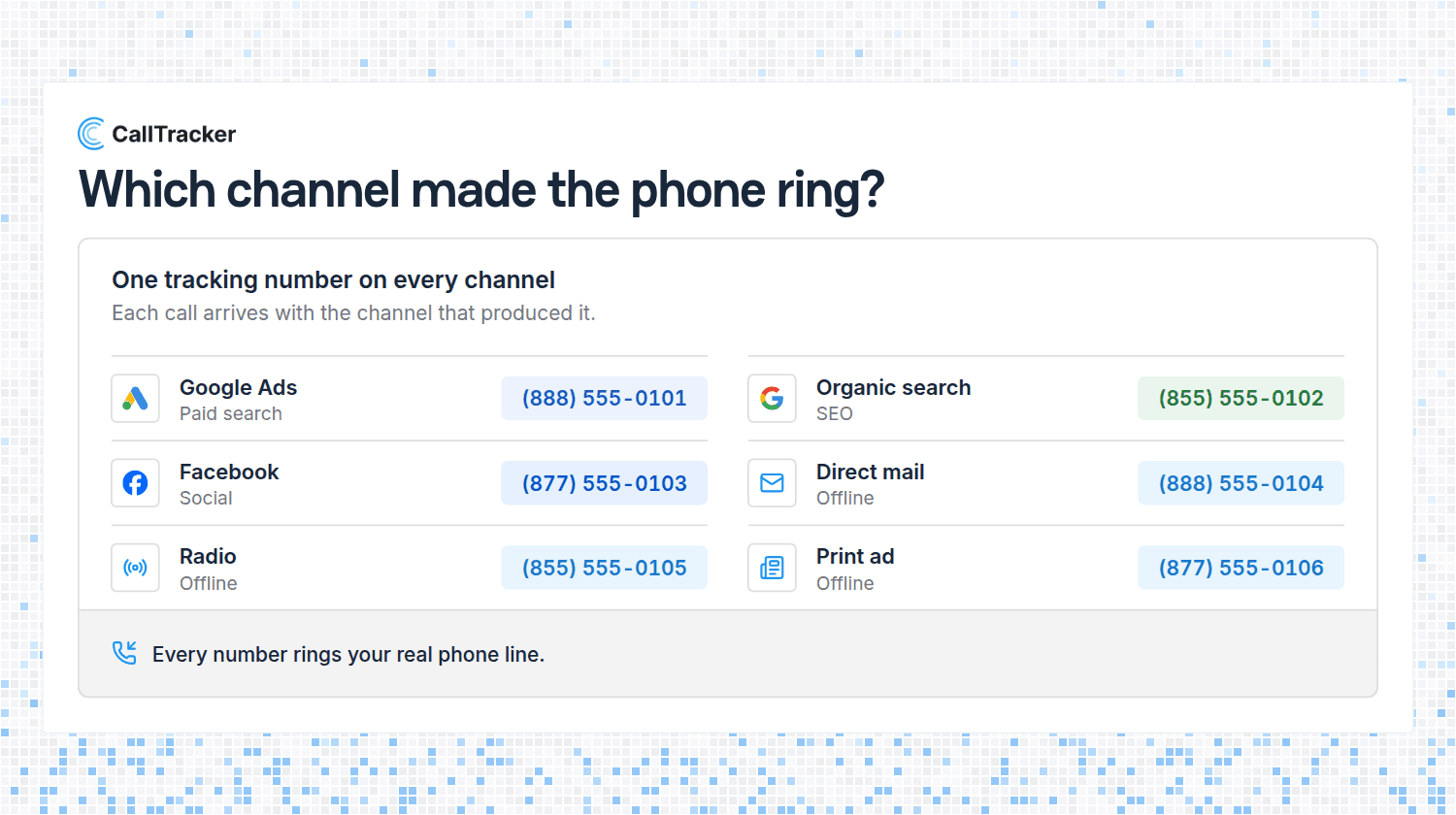
- One report for every channel. LSA, Google Ads, Business Profile, and organic calls side by side, counted the same way. See real-time call analytics.
- Your own recording and transcript on every LSA call, including in verticals where Google provides none. See AI call transcriptions.
- A second count to check the invoice against. Google's lead count is what you are billed on. Having your own record of the same calls is worth having.
- Routing you control. Send LSA calls through a call flow, add a whisper message so whoever answers hears "LSA call" before they say hello.
That whisper is the cheapest upgrade in the list. LSA calls cost real money per lead, and the person answering has no idea which calls those are.
Local Services Ads vs Google Ads: Measure Them Differently
These two get compared constantly, and the measurement story is not the same for both.
- Local Services Ads charge per lead, place above the regular ads, carry the Google Guaranteed badge, and hand you a Google forwarding number you cannot change. Attribution is Google's, and it is coarse: you get the lead, not the keyword.
- Google Ads charge per click, and you control the landing page and the number on it. That is where standard dynamic number insertion belongs, and where you can attribute a call down to the campaign and keyword that produced it. See tracking which Google Ads drive phone calls.
The practical consequence: do not expect keyword-level insight from LSA, because the platform does not offer it. Expect it from Google Ads, and judge LSA on cost per booked job instead.
If You Run LSA for Clients
Two things make LSA accounts easier to report on.
First, the client sees Google’s lead count and you see yours, and they will not match exactly. Explain that before the first report, not after the first argument. Google counts a lead when it charges for one; your call tracking counts calls. Both are correct measures of different things.
Second, LSA billing is per lead, so disputed and junk leads are money. Your own recording of every call is the evidence for that conversation, and in verticals Google excludes from recording it is the only evidence that exists.
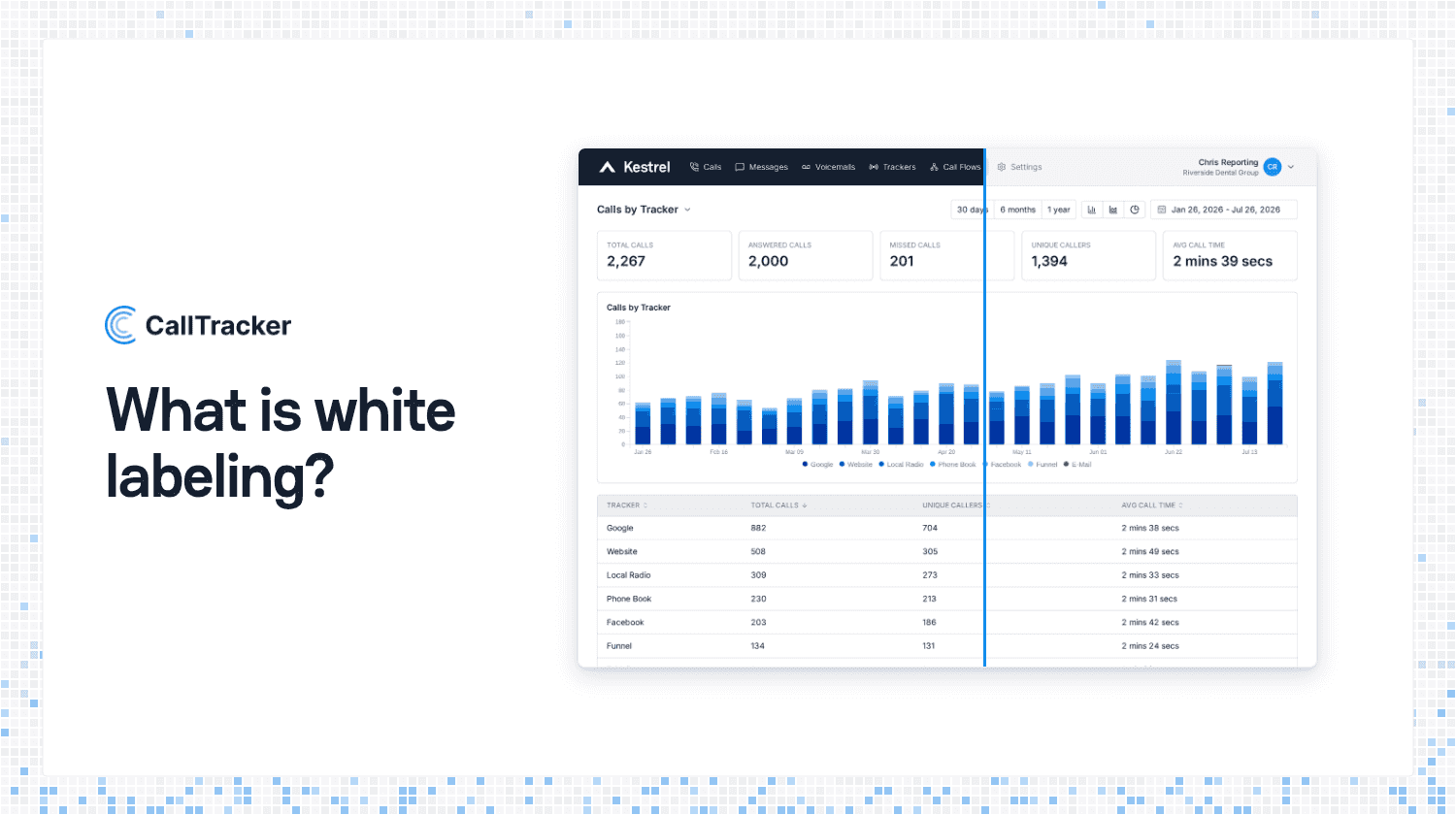
Running several clients, separate company accounts keep each one’s LSA numbers and calls apart, and white-label reporting puts the comparison under your own brand.
Frequently Asked Questions
Can you use a call tracking number in Google Local Services Ads?
Not in the ad. Google puts its own dynamic forwarding number there. You set a tracking number as the destination that number rings instead.
Does Google record Local Services Ads calls?
Yes, in the US and Canada, with recordings in your lead inbox in the US. Healthcare and tax specialist verticals get none.
Why do my LSA lead count and call tracking not match?
They measure different things. Google counts billable leads, call tracking counts calls that reached your line.
Should I use Local Services Ads or Google Ads?
Usually both. Judge LSA on cost per booked job, and Google Ads on keyword performance, because only one of them gives you keywords.
How do I get LSA calls into one report with everything else?
Point your LSA business number at a tracking number, so every LSA call passes through call tracking on the way to your phone.
See Every Call in One Place
Local Services Ads, Google Ads, your Business Profile, and organic search all ring the same phone. Start a 14-day free trial to see them counted the same way in one report, or check the plans.

Alex Phelps
Published on