Call Tracker
See what makes your phone ring.
Every call tied back to the campaign, keyword, and ad that drove it. Call recording, SMS, and real time reporting included.
Unlimited users. No contracts.
How to Track Phone Calls
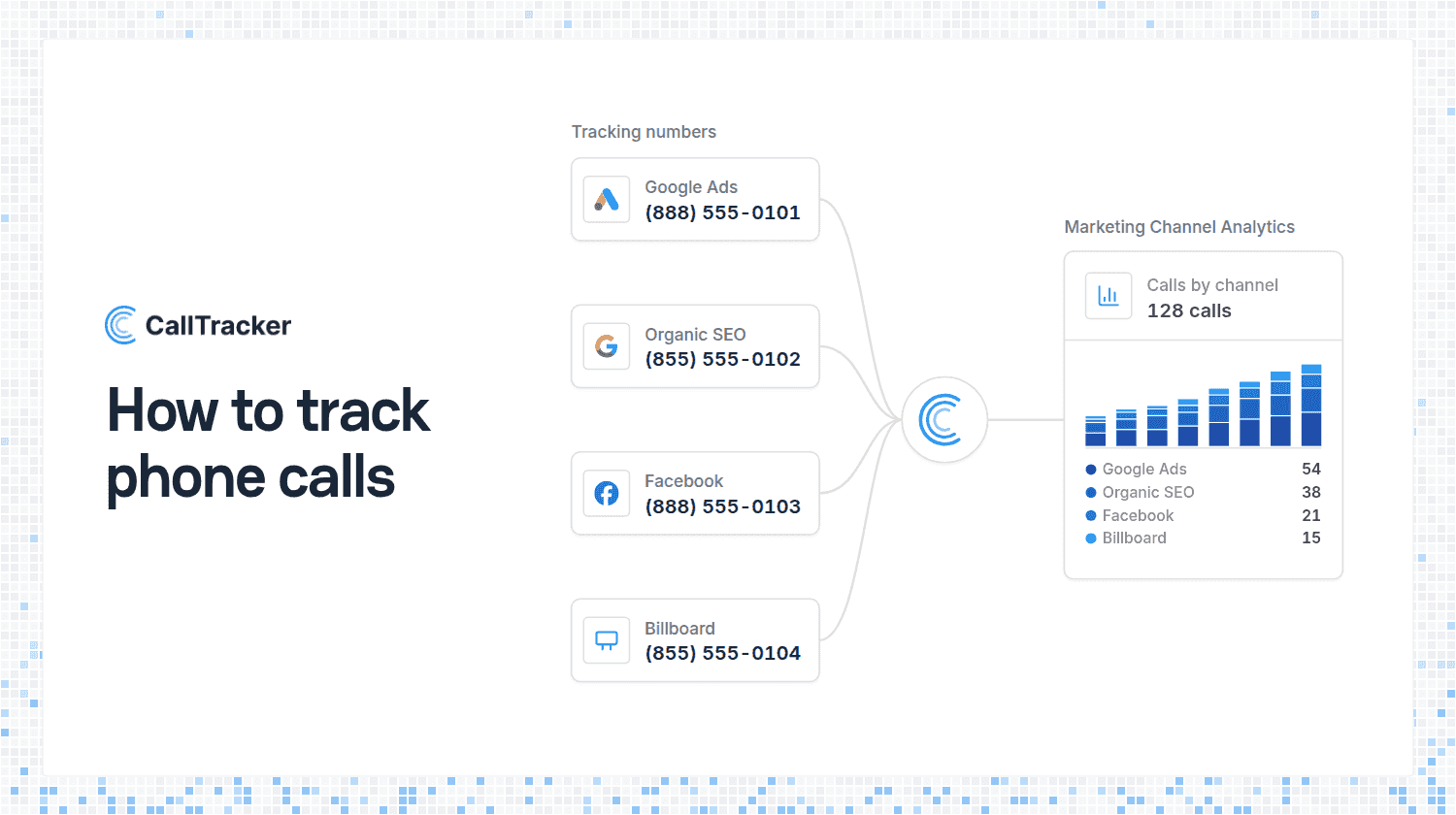
To track phone calls, give each marketing source its own phone number. Every number forwards to the phone you already answer, and call tracking software logs which number each caller dialed. That one fact tells you which ad, campaign, or page made the phone ring, which is the question a normal phone bill can never answer.
This guide covers what phone call tracking is, how it works, the three ways to set it up, and what you see for every tracked call.
What Is Call Tracking?
Call tracking is a way of measuring which marketing produces your inbound phone calls. A form fill or an online order carries its source with it. A phone call does not, so without tracking, a call from a $40 Google Ads click looks the same as a call from a neighbor who has had your number for years.
Call tracking closes that gap. It is used by local service businesses that live on the phone, by marketers who need to report on leads and not only clicks, and by agencies that have to show a client what the budget produced.
How Does Call Tracking Work?
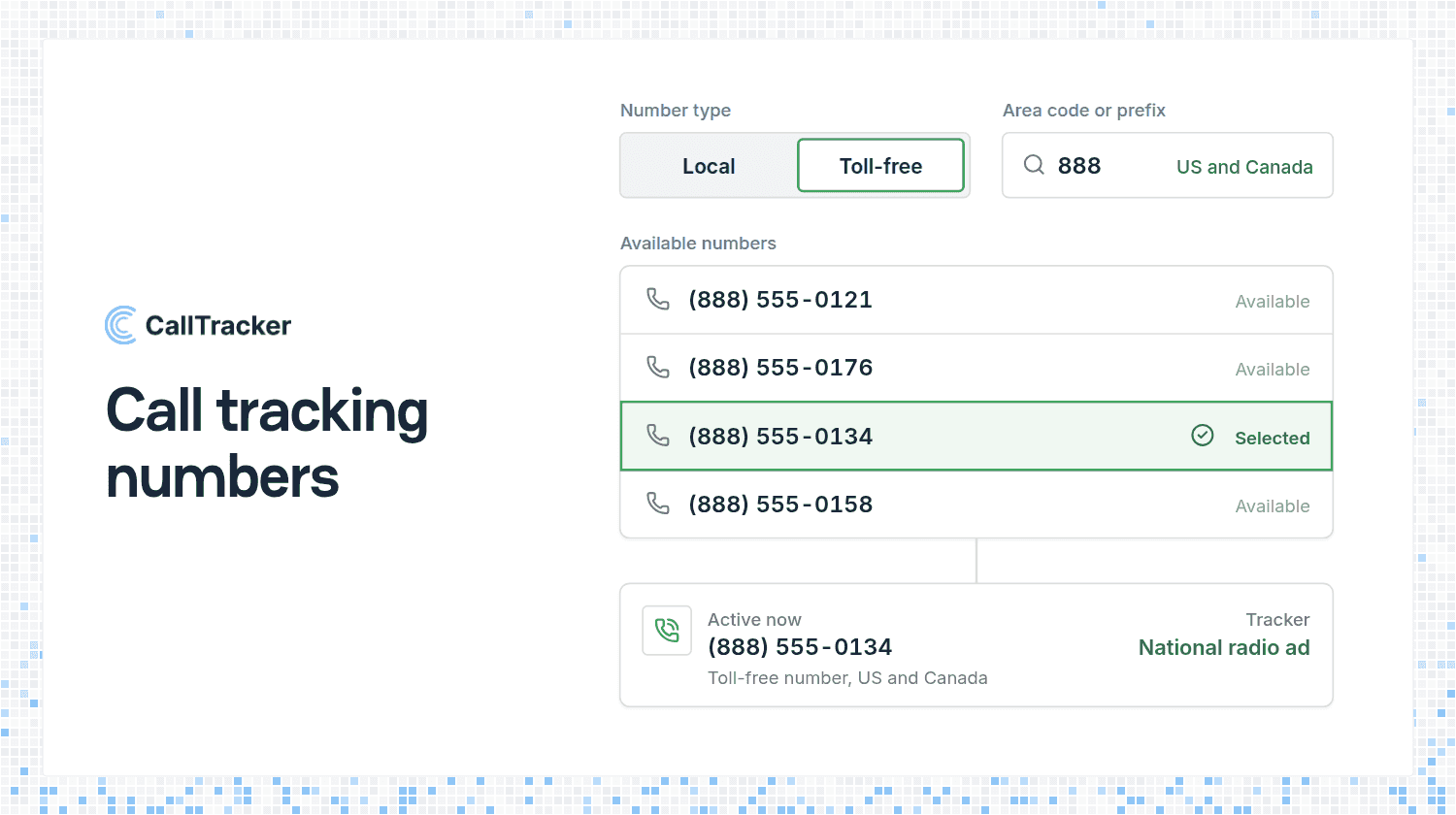
- You get a tracking number for each source you want to measure: a campaign, a billboard, a directory listing, or your website.
- The caller dials it and notices nothing unusual. It is a normal local or toll-free number.
- The call is forwarded to your real business line, a mobile, or a call flow with a greeting and a menu.
- The source is logged with the call, along with the caller's number, the time, the length, and whether anyone answered.

You do not replace your phones or your carrier. Our guide to call tracking with your existing phone system covers what changes and what stays the same.
Three Ways to Track Phone Calls
Which method you use depends on where the caller sees your number and how much detail you want.

Most businesses use more than one. A plumber might run a number pool on the website, a fixed number on the vans, and another on a postcard.
How to Track Calls From Your Website
Website tracking uses dynamic number insertion. You add one script to your site, and it swaps the phone number on the page for a tracking number based on how the visitor arrived. Someone from a Google Ads click sees one number, and someone from organic search sees another.
With a number pool, every visitor gets their own number for the length of their visit, so the call can be matched to that visit: the source, the keyword, and the pages they looked at. Your real number stays in the page’s code, which is why inbound call tracking done this way does not disturb your listings. The full mechanics are in what dynamic number insertion is.
How to Track Calls From Google Ads and Facebook
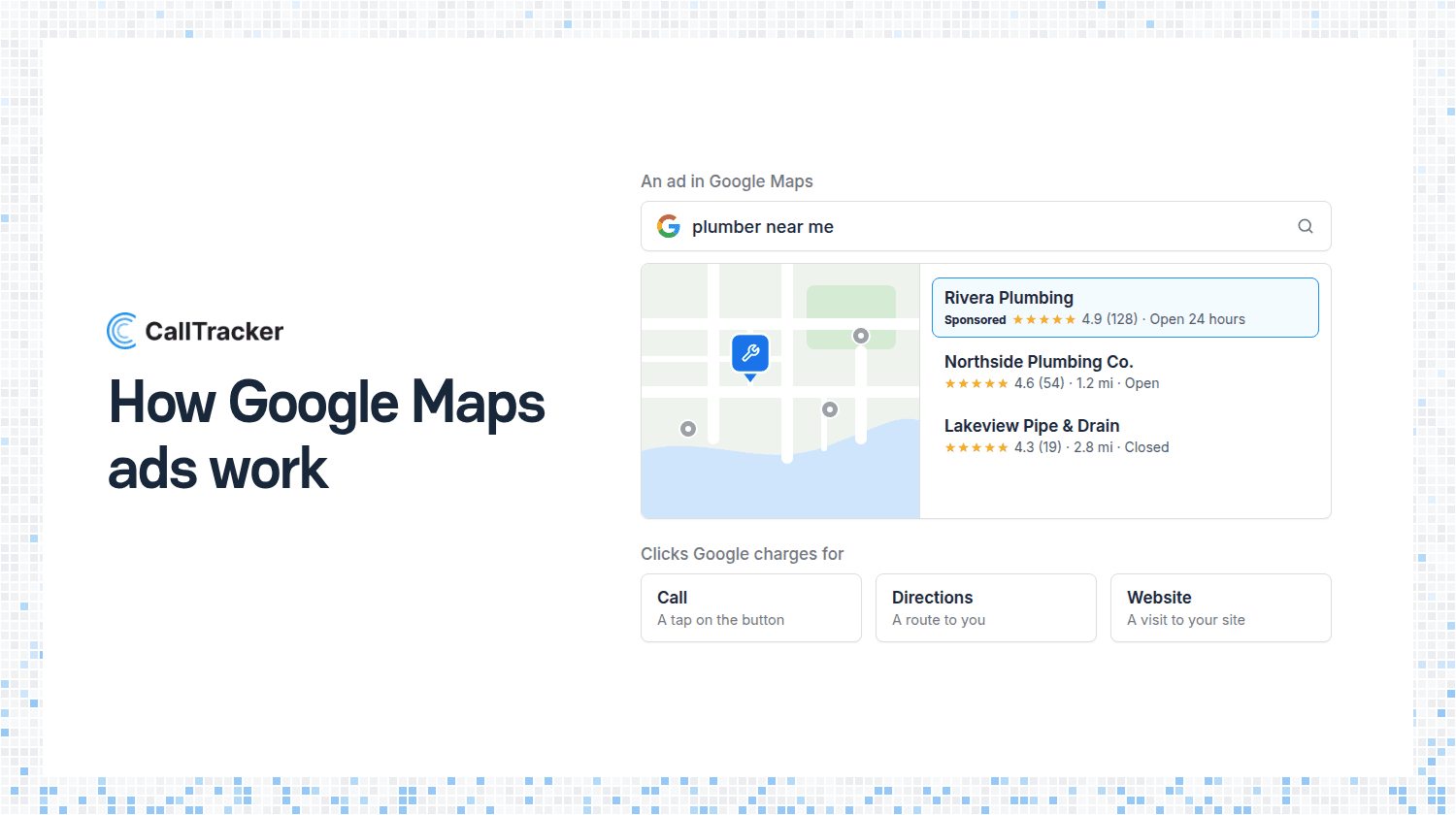
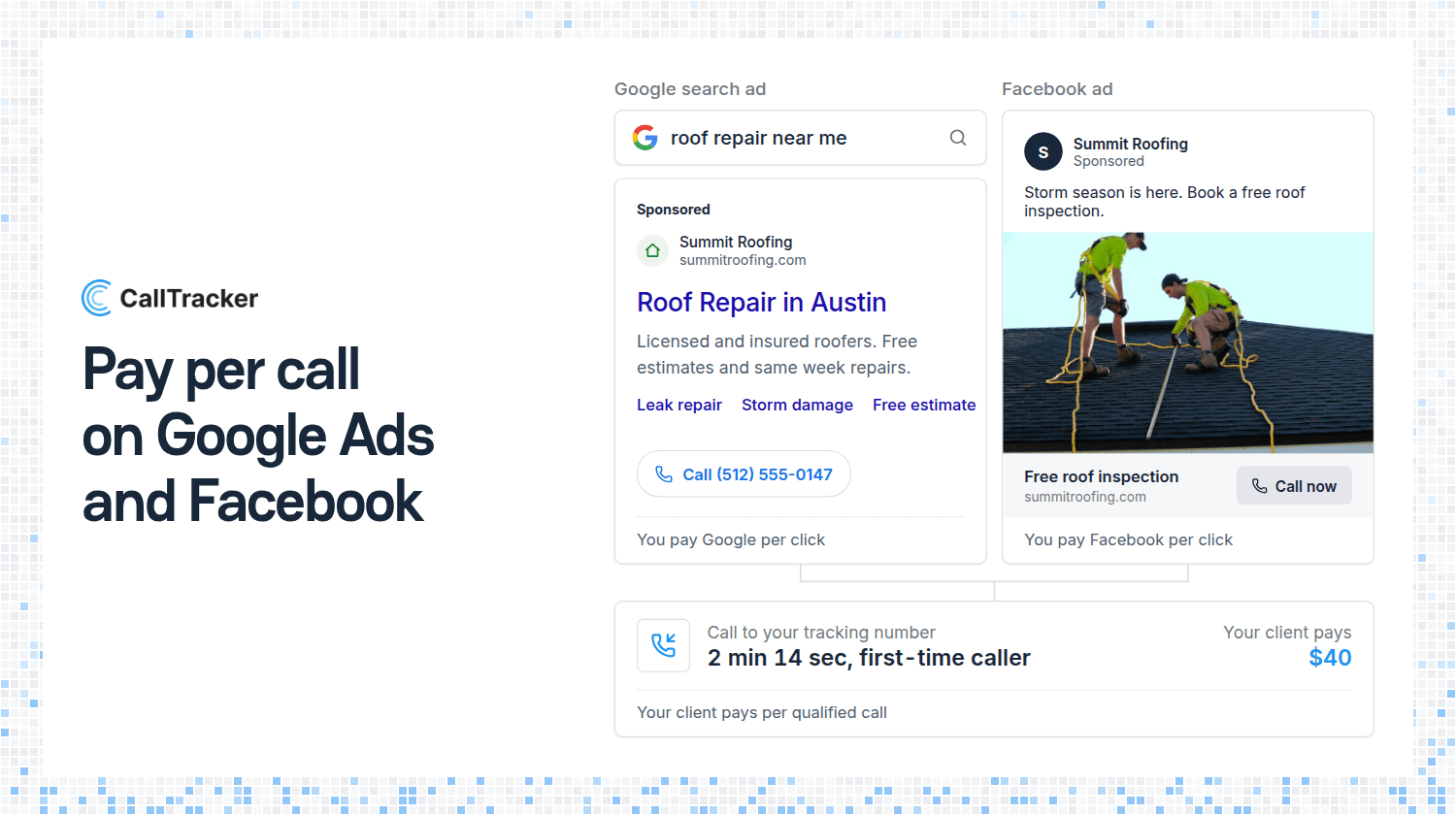
Paid channels are where phone call tracking pays for itself fastest, because you can see cost and calls side by side.
- Google Ads. A number pool captures the click and the keyword behind each call, and the call can be sent back as a conversion. See Google Ads call tracking and the Google Ads integration.
- Facebook. A campaign number shows only to visitors who arrive from your Facebook ads, and calls can be reported back through Facebook offline events.
- Organic search. The same script attributes calls to SEO, covered in call tracking for SEO.
How to Track Calls From Offline Ads
Offline is the simplest case. Get one number, put it on the ad, and every call to that number came from that ad. Use a local number for a local mailer and a toll-free number for a campaign that runs across several regions.
The one rule is to never reuse a number across two ads. The moment a number appears in two places, you can no longer tell which one produced the call.
What You See for Each Tracked Call
- Source and campaign - the tracker, channel, and campaign behind the call, plus the keyword and pages visited for number pool calls.
- The caller - their number, their city and state, and whether this is their first call.
- The outcome - answered or missed, and how long it lasted. Missed calls are leads you can still call back.
- The conversation - a recording and an AI transcript, if you switch them on.
- The totals - reports that compare every source side by side, so you can see which ones to fund and which to cut.
Set Up Phone Call Tracking in Five Steps
- List the sources you want to measure. Start with the ones you pay for.
- Create a tracking number for each offline ad, and a number pool for your website.
- Point every number at the phone that should ring.
- Add the number insertion script to your website.
- Place a test call to each number and confirm it shows up under the right source.
The first tracking number takes a few minutes. The website script is one snippet, and there is a WordPress plugin if you would rather not touch code.
Frequently Asked Questions
What is call tracking?
A way of measuring which marketing produces your phone calls. Each source gets its own number, and the software logs which one every caller dialed.
How does call tracking work?
A caller dials a tracking number, the call forwards to your business line, and the source is saved with the call.
Do I have to change my phone number to track calls?
No. Tracking numbers sit alongside your existing number and forward to it.
Can I track calls from my website?
Yes. A script swaps the number on the page based on how each visitor arrived, so the call carries its source.
How much does phone call tracking cost?
Most businesses pay $30 to $150 a month. Our guide to call tracking cost breaks down the pricing models.
Start With One Number
Pick the campaign you spend the most on, give it a tracking number, and watch one week of calls. Start a 14 day free trial of Call Tracker, or see pricing. Plans start at $37 a month with 10 numbers and unlimited users.

Alex Phelps
Published on