Call Tracker
See what makes your phone ring.
Every call tied back to the campaign, keyword, and ad that drove it. Call recording, SMS, and real time reporting included.
Unlimited users. No contracts.
How Simultaneous Ring Works
Most missed calls are not calls nobody could have taken. They rang one phone, and the one person near it was on another call, out on a job, or away from the desk. Nobody else knew it was ringing, and the caller hung up. Across the calls we track, roughly 16% go unanswered, and every one of them was a lead you already paid for.
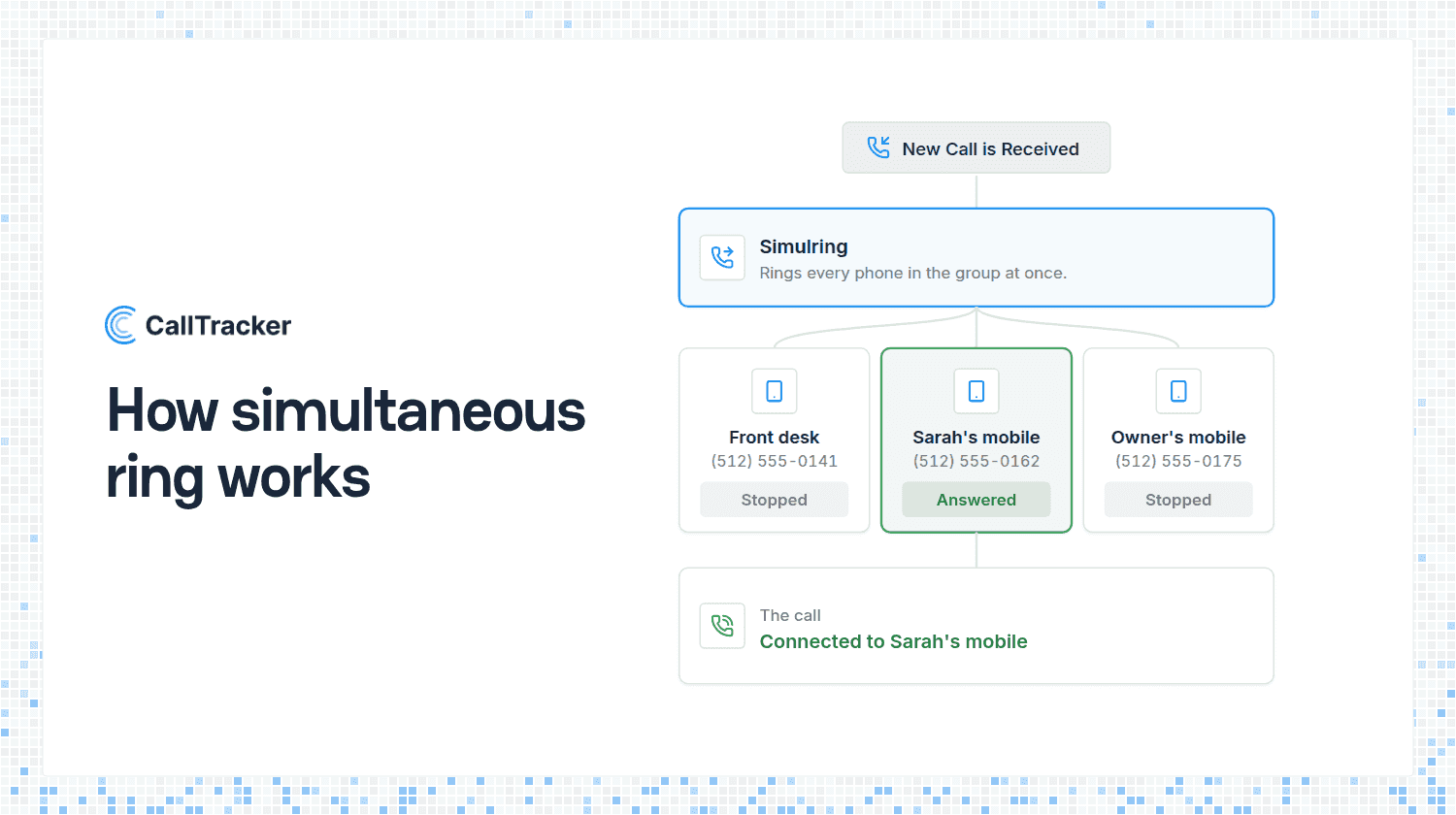
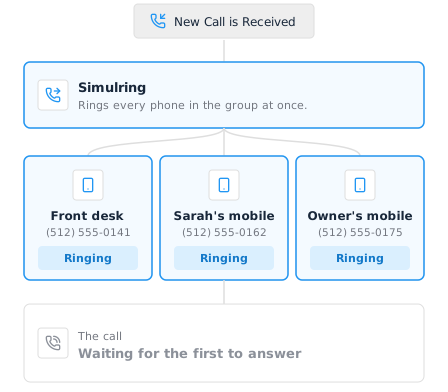
Simultaneous ring is the fix for that. It sends one incoming call to several phones at the same time, and whoever picks up first gets the caller. The other phones stop ringing. Instead of one person being the only thing between a lead and a voicemail, everyone who could take the call hears it. You may see it called simulring, a ring group, or ring all. In Call Tracker it is a Simulring step in a call flow, and it takes about a minute to add to any tracking number.
Simultaneous Ring vs Forwarding Down a List
The alternative is sequential: ring the office, and if nobody answers in twenty seconds ring the mobile, and if that fails ring the owner. Phone systems call it a hunt group. It works, but the caller pays for it. By the time the third phone rings they have been listening to ringing for a minute, and many of them have hung up and called the next business on the list.
Simultaneous ring flips that around. Everyone who could take the call hears it at once, and the caller waits only as long as it takes the quickest person to answer. Nobody is waiting on a colleague to not pick up.
- Use simultaneous ring when any one of a group can take the call: a sales team, an owner plus an office line, two shop phones and a mobile.
- Use sequential forwarding when there is a real order of preference, such as the front desk first and the manager only as a last resort. In a call flow that is a Dial step followed by another Dial step.
- Use an IVR menu when the caller knows who they need and should choose. A menu option for Sales can lead straight into a simulring across the whole sales team, so the two combine well.
What It Looks Like in a Call Flow
Open a call flow, press Add Flow Step, and choose Simulring. Add the numbers to ring, from 2 up to 10, using Add Dial Number for each one.
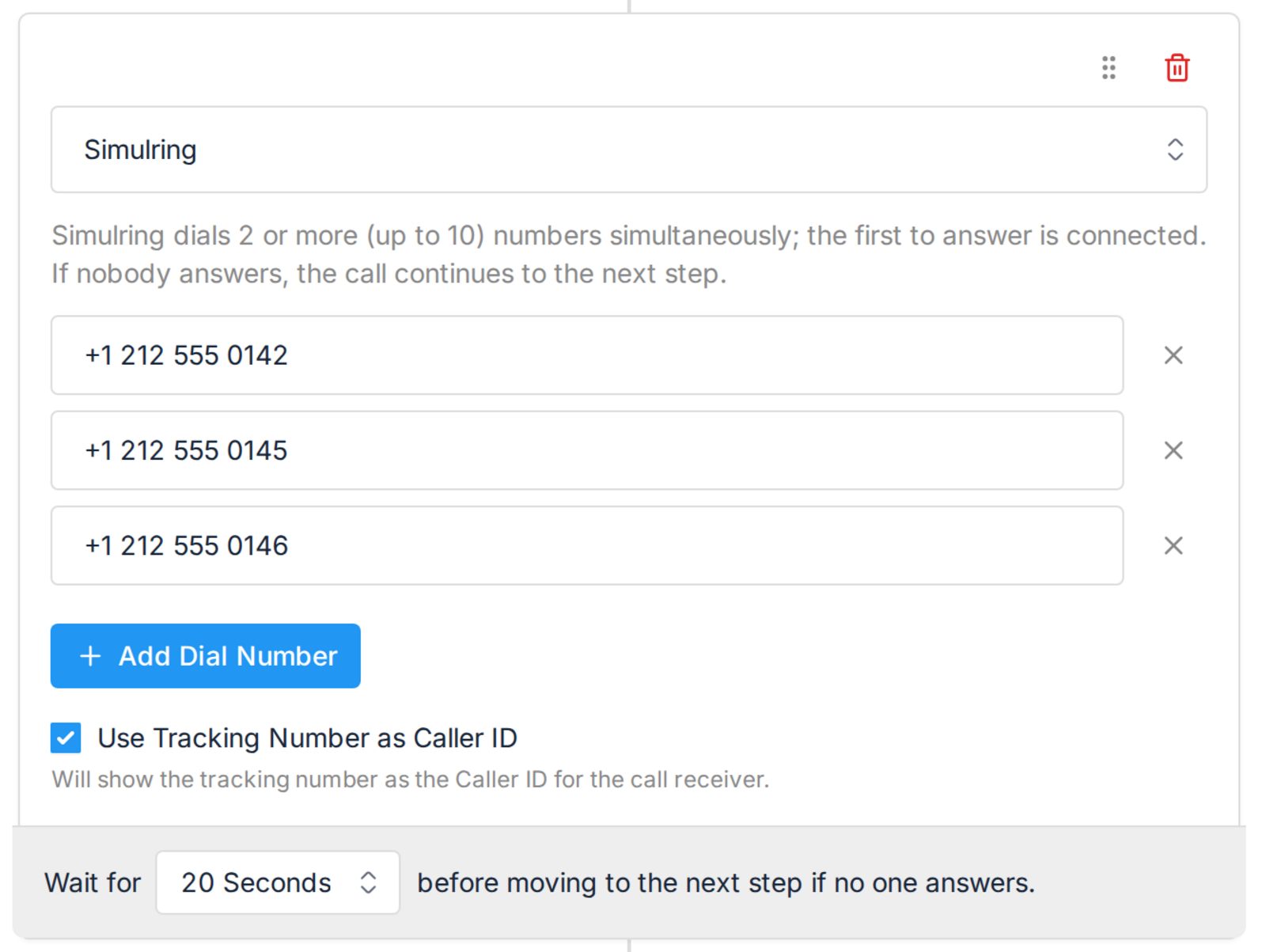
Two settings sit under the numbers.
Wait for is how long all the phones ring before the flow moves on. Each ring takes roughly five seconds, so 20 seconds is about four rings. If nobody answers in that time, the call continues to the next step, which is normally a voicemail. Without a next step the call ends, so put a voicemail after it.
Use Tracking Number as Caller ID shows the tracking number to whoever answers instead of the caller’s number. That tells the team which campaign produced the call before they say hello. The trade off is that the caller’s number is no longer on the handset for a callback, so leave it off if returning calls from the phone matters more. A whisper message gives you the campaign name without losing the caller ID.
Three Setups That Come Up Most
The small team. Three people, no receptionist, no fixed order. A simulring across all three mobiles means a caller reaches whoever is free, and the two who are on the phone are not interrupted.
The owner and the office. The office line rings during the day, but the owner is on site half the time. Ring both. If the office answers, the owner’s phone stops. If the office is empty, the owner picks up in the van.
After hours. Put a greeting first, then a simulring across the on-call mobiles, then a voicemail with transcription. A caller at 8pm reaches a person if one is available and leaves a readable message if not, rather than getting a busy signal.
Your Reporting Does Not Change
A simulring step is part of the call flow, so it never touches attribution. The call still reports against the tracking number that received it, so the campaign, source and keyword that made the phone ring are exactly as measurable as before. Call recording and AI transcription apply to whichever phone picked up, so you can review the call the same way whether the owner or the office took it.
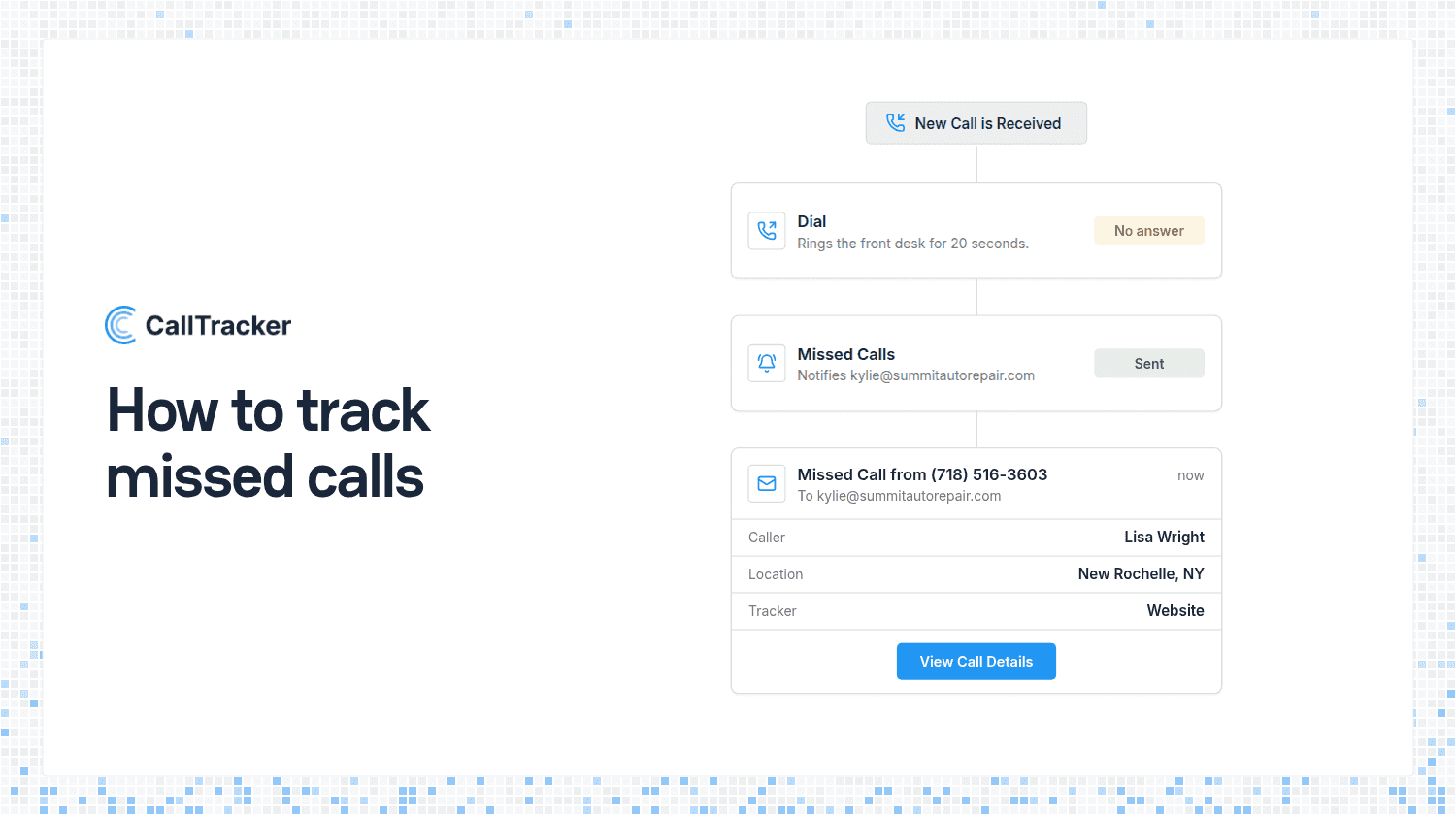
That also makes it a good answer to missed calls. If your log shows calls going unanswered on one line, ringing two more is usually the cheapest fix there is. Our guide to tracking missed calls covers the rest of that job.
Where To Find It
Open Call Flows, edit a flow or create one, and press Add Flow Step. Simulring is in the list alongside Greeting, Dial, Menu and Voicemail, on every plan. Then open the tracker you want it on and set Inbound Call Handling to that call flow. Full setup steps are in the Simulring step guide.
Not using Call Tracker yet? Start a 14 day free trial and put a simultaneous ring on your first tracking number today.

Alex Phelps
Published on