Call Tracking for Agencies
Run call tracking for every client from one account, and deliver the reports under your own brand with white label call tracking.
14 Day Risk Free Trial with Every Plan
- Plans from $37/mo
- No commitment, cancel anytime
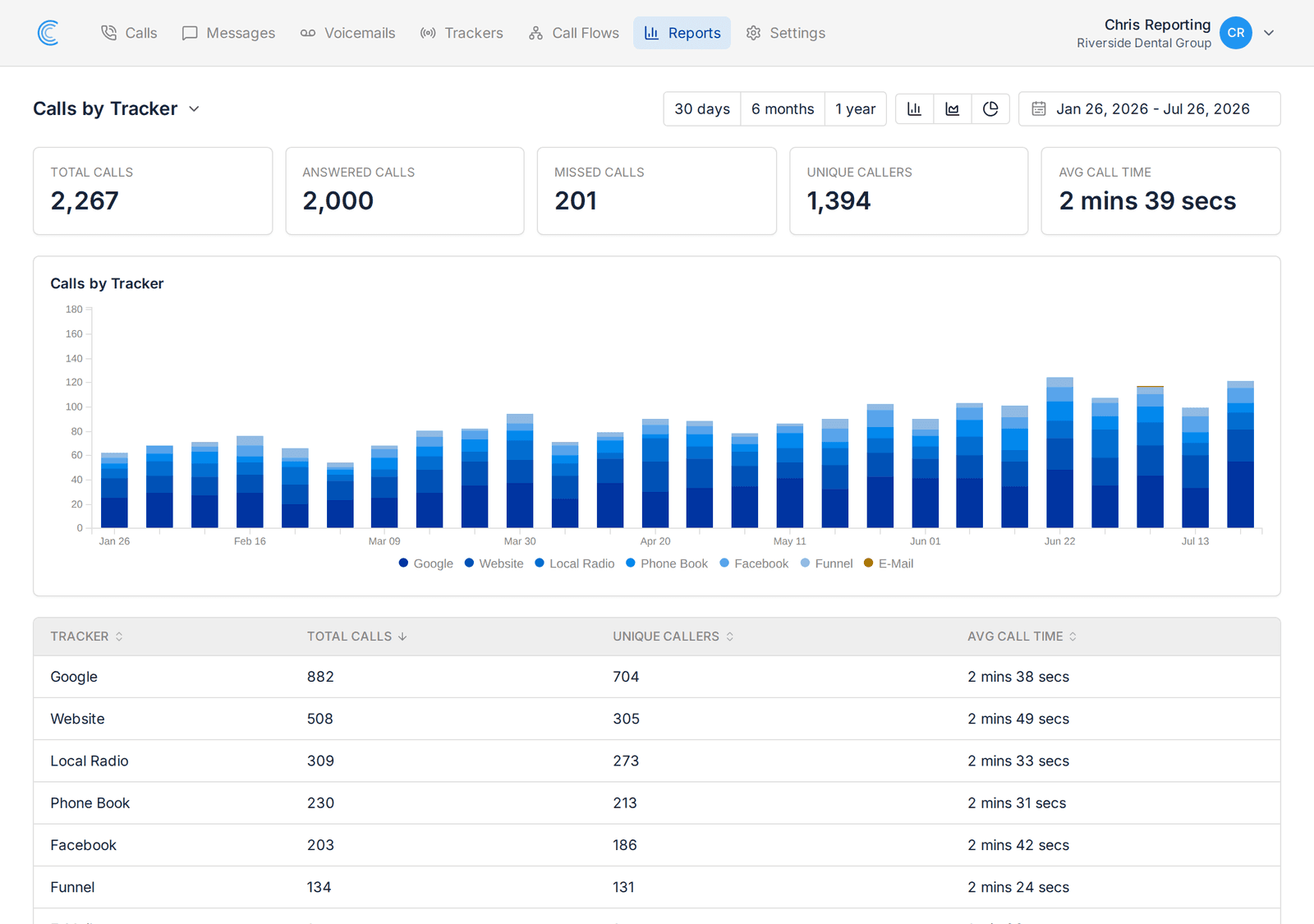
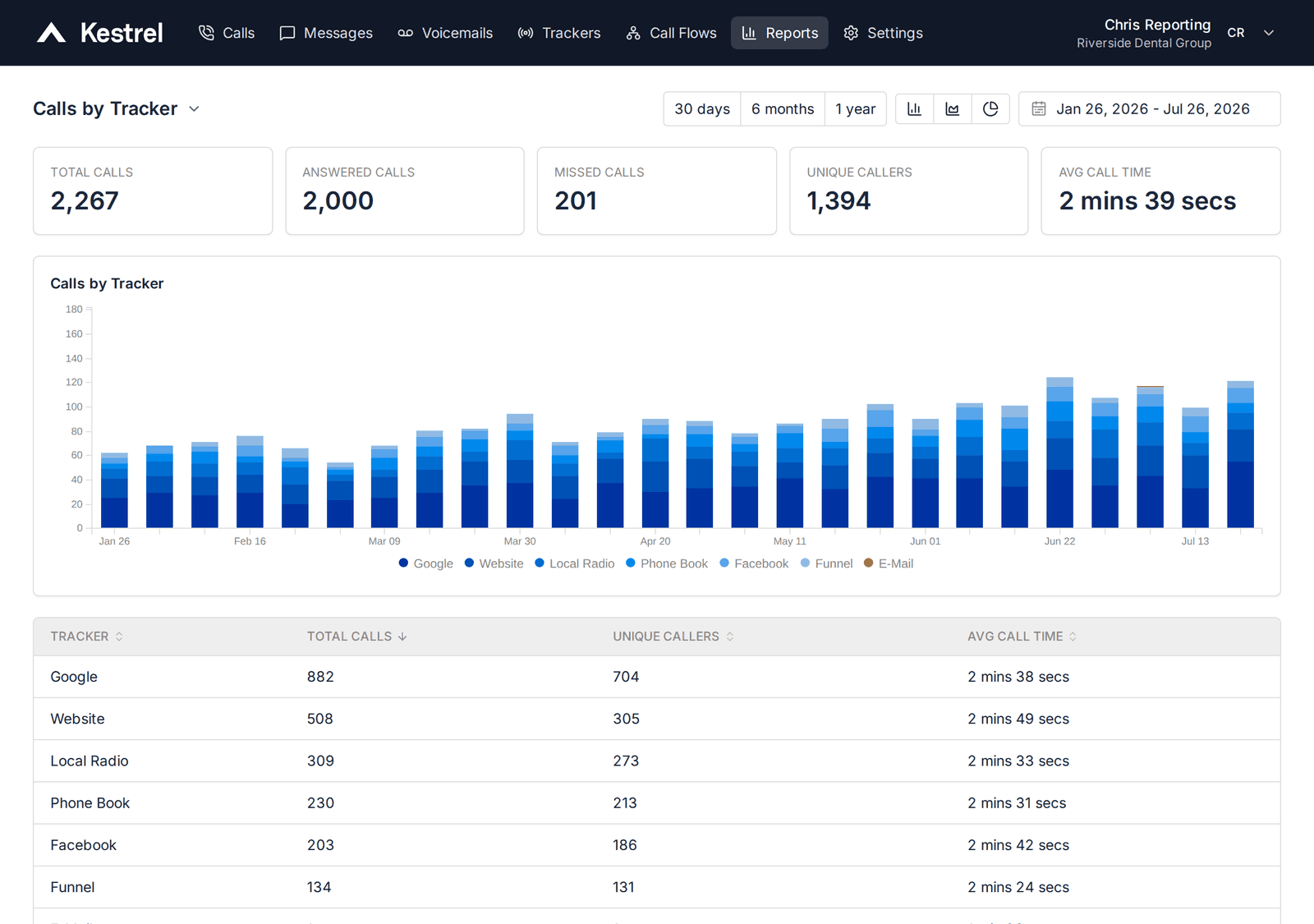
We know you do great work for your clients, show it to them with Call Tracker.
Our platform can be completely rebranded for you to deliver call tracking to your customers under your brand.
Your Brand Everywhere
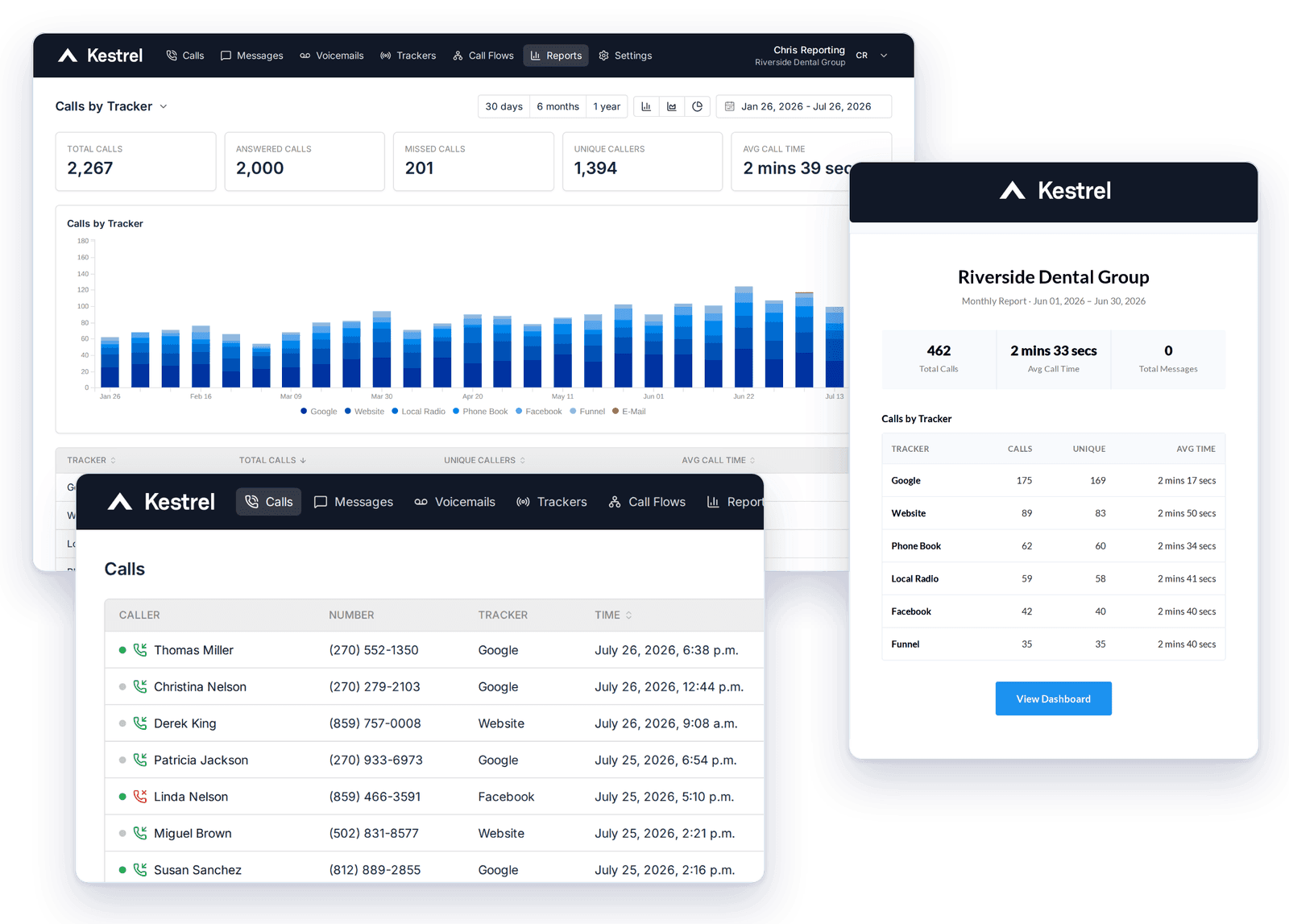
Your brand on every dashboard, report, and email notification to keep your clients emersed in your brand.
You can even add your own subdomain such as calls.yourdomain.com if you like, totally up to you.
Access For Your Clients
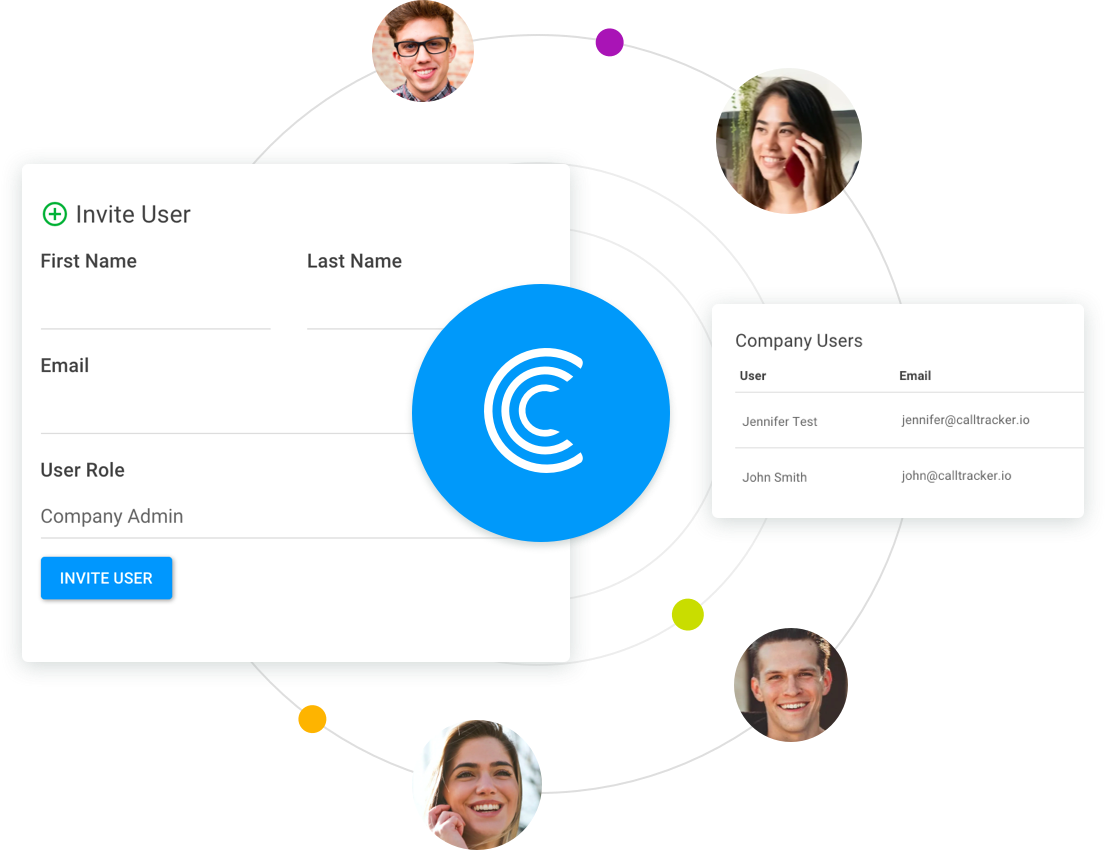
Create unlimited user accounts for your clients so that they can access call data for their company's call data.
Your clients can also subscribe to get notified of incoming calls for trackers they want to follow.
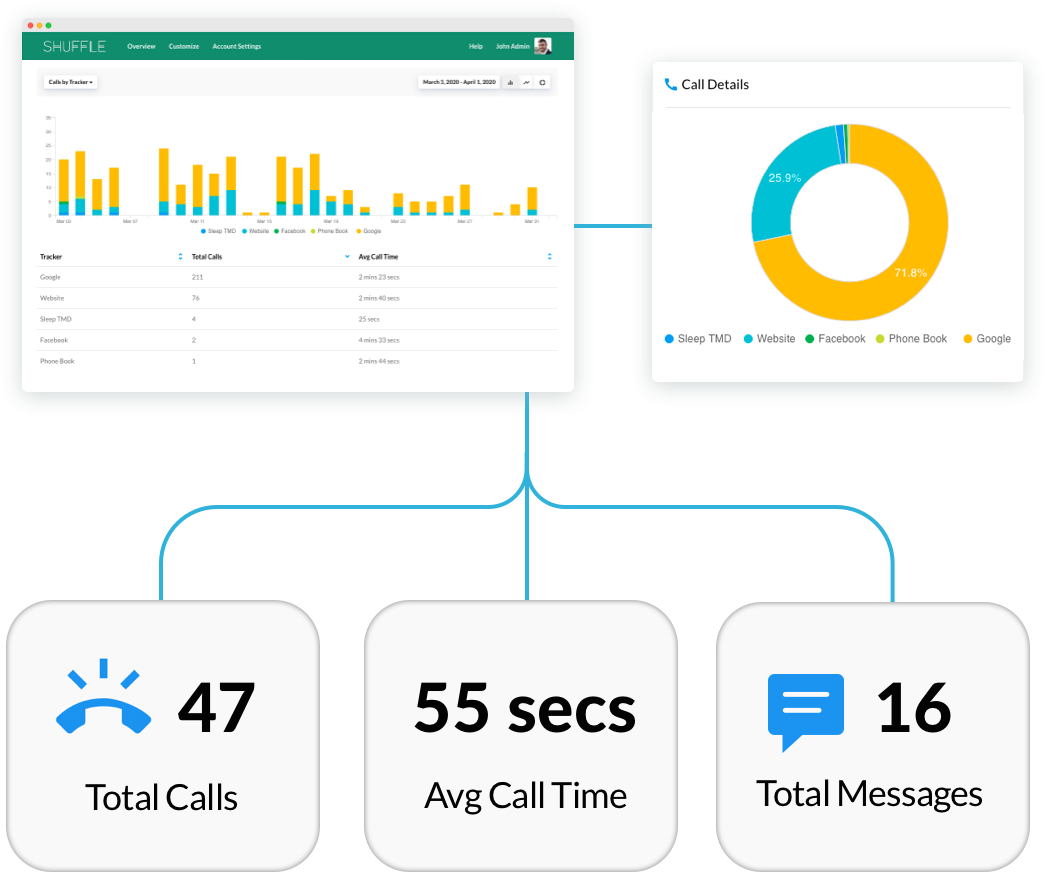
Client Call Reports
With our call reports, you'll have the data to show your clients how well your marketing efforts are creating calls for their business.
Our call reports give you the data you need to optimize your client's PPC campaigns so you can deliver higher ROI for a happy customer.
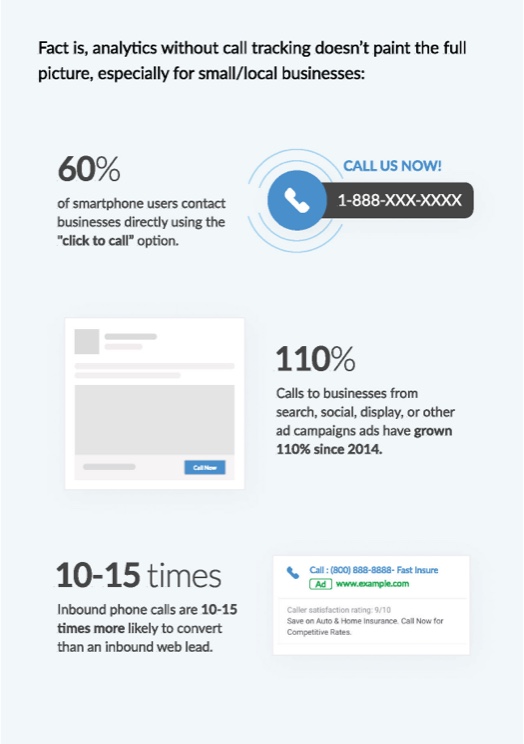
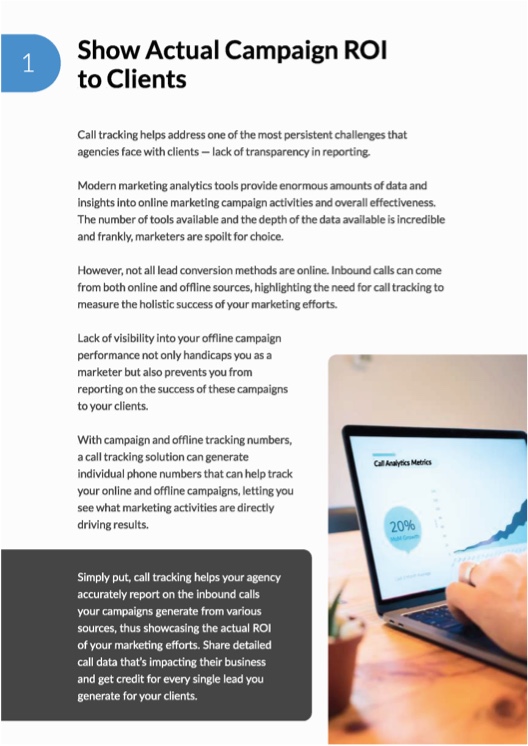
Why Call Tracking Is Important for Marketing Agencies
White labeling a call tracking software provides agencies with the opportunity to deliver.
Every account comes with these great features
- 1000s of Phone Numbers in USA & Canada
- Detailed Call Analytics
- Call Flow Builder
- Voicemail & Voicemail Transcription
- Call Recordings
- Custom Call Tagging & Reporting
- Robocaller Protection with Nomorobo
- 14 Day Risk Free Trial with Every Plan
- No Contract & Free Setup Assistance
- Unlimited Users
- Dynamic Number Replacement
- Campaign Tracking Numbers
- Offline Tracking Numbers
- Scheduled Summary Reports via Email
Sell call tracking as your own service
Your clients get call reports, call logs and recordings under your name, and you get the evidence that your campaigns produce calls.
Show clients what your marketing delivered
Every call is tied to the channel, campaign and keyword that produced it, so your results are in front of the client every day.
Help clients win more of their calls
Clients can replay recordings, review past calls and train their team on the leads you sent them.
Put budget where the calls are
Call data sits next to Google Analytics and Google Ads, so you can move spend to the campaigns that make the phone ring.
Your name on everything a client sees
White label branding is part of the Agency plan.
Your own domain
Clients log in at your address, such as calls.youragency.com, and never see ours.
Your logo and colours
The app, the login page and the emails your clients receive all carry your brand.
Every client in one account
Add each client as its own company and switch between them without logging out.
Set up your brand from one settings page
Open Account Settings, then Branding Settings.
Open Branding Settings
Subscribe to the Agency plan, then open Account Settings and choose Branding Settings.
Add your domain
Point a domain at your account so clients see your name when they log in.
Upload your logo
It appears in the app and on the notification, report and invitation emails.
Pick your colours
Match the app and the emails to your logo. Client support requests go to your email address.